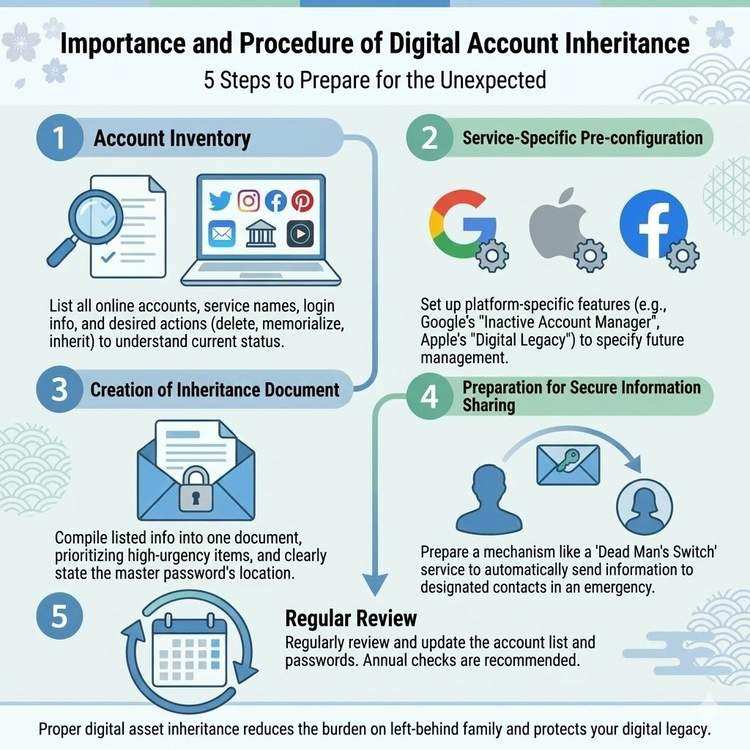
Digital Account Handover Preparation Guide
Importance of Digital Account Handovers
The average person today has 80-100+ online accounts. These accounts contain precious memories, important data, recurring subscription services, and various other information.
Problems That Occur in Emergencies:
❌ Family unaware of account existence
❌ Login information unknown
❌ Monthly charges continue uncanceled
❌ Precious photos and videos lost
❌ Important emails and documents inaccessible
This article explains how to prepare for smooth digital account handovers.
Step 1: Account Inventory
Major Categories
1. Social Media & Communication
✅ Facebook
✅ Instagram
✅ X (formerly Twitter)
✅ LINE
✅ TikTok
✅ LinkedIn
2. Email & Cloud Storage
✅ Gmail
✅ Outlook
✅ Yahoo! Mail
✅ iCloud
✅ Google Drive
✅ Dropbox
✅ OneDrive
3. Subscriptions
✅ Netflix
✅ Spotify
✅ Amazon Prime
✅ Apple Music
✅ YouTube Premium
✅ Adobe Creative Cloud
4. Payment & Financial
✅ PayPay
✅ Rakuten Pay
✅ Suica (Mobile)
✅ Mercari
✅ Amazon
✅ Rakuten Marketplace
5. Work-Related
✅ Slack
✅ Microsoft Teams
✅ Zoom
✅ Trello
✅ Notion
✅ GitHub
Creating Inventory Sheet
Items to Record:
□ Service name
□ Account name/email address
□ Login method
□ 2FA enabled or not
□ Monthly fee
□ Priority level (A/B/C)
□ Emergency action (continue/delete/transfer)
□ Notes
Example Entry:
[Service Name] Facebook
[Account] user@example.com
[Login] Saved in password management tool
[2FA] ON (Google Authenticator)
[Fee] Free
[Priority] A (has photos and messages)
[Action] Convert to memorial account
[Notes] Hanako Yamada set as legacy contact
Step 2: Service-Specific Handover Methods
Social Media Accounts
Preparation During Lifetime:
1. Set up legacy contact
   Settings > Memorialization Settings

2. Legacy contact permissions:
   · Change profile picture
   · Pin tribute post
   · Approve friend requests
   · Delete account (depending on settings)

3. Or choose "Delete Account"
Sharing Information via Dead Man's Switch:
Subject: About Facebook Account

Body:
■ Account Information
· URL: https://facebook.com/yourname
· Setting: Hanako set as legacy contact

■ Response Method
Legacy contact (Hanako) performs:
1. Log into Facebook
2. Search for my profile
3. "Request Memorialization"
4. Submit death certificate (if required)
5. Converted to memorial account

■ Data to Download
Settings > Your Facebook Information > Download Information
→ Archive photos, posts, messages
Preparation During Lifetime:
If linked to Facebook account:
· Follow Facebook memorial settings

If not linked:
· Share contact method with family
· Can request deletion with death certificate
Sharing Information via Dead Man's Switch:
■ Instagram Account
· Username: @username
· Login info: Refer to password management tool

■ Desired Action
Option 1: Delete account
Option 2: Convert to memorial account
Option 3: Download photos then delete

■ Download Method
Settings > Security > Download Data
→ Save all photos and videos
X (formerly Twitter)
Preparation During Lifetime:
· No official memorial account feature
· Family can request deletion
Sharing Information via Dead Man's Switch:
■ X Account
· Username: @username
· Login info: [password management tool]

■ Desired Action
· Prefer account deletion
· Or leave as is

■ Deletion Method (For Family)
1. Contact X Help Center
2. Submit death certificate
3. Request account deletion
LINE
Preparation During Lifetime:
· Backup chat history
· Screenshot important chats
· Transfer group administrator rights
Sharing Information via Dead Man's Switch:
■ LINE Account
· Phone number: 090-XXXX-XXXX
· Email address: user@example.com

■ Chat History Backup
· iCloud (iPhone) or Google Drive (Android)
· Last backup: XX/XX/2024

■ Important Chats
· Family group "XX Family"
· Memorable conversations with friend "Taro Yamada"

■ Desired Action
1. Restore chat history from backup
2. Screenshot important conversations
3. Delete account
Cloud Storage
Google Drive
Preparation During Lifetime:
1. Set up Inactive Account Manager
   Google Account > Data & Privacy
   > Inactive Account Manager

2. Settings:
   · Inactivity period: 3-18 months
   · Notification recipient: Family email address
   · Choose to share or delete data
Sharing Information via Dead Man's Switch:
■ Google Account
· Email address: user@gmail.com
· Login info: Refer to password management tool
· 2FA: Google Authenticator

■ Important Data Locations
1. Google Drive
   /Important_Documents/Insurance_Policy.pdf
   /Family_Photos/2020-2024/
   /Password_List/accounts.xlsx

2. Google Photos
   About 5,000 photos
   Album "Family Trips" is important

3. Gmail
   Important emails:
   · Bank emails
   · Securities company emails
   · Insurance company emails

■ Download Method
Use Google Takeout
https://takeout.google.com
→ Can download all data
iCloud
Preparation During Lifetime:
· Set up Digital Legacy program (iOS 15.2+)
· Designate Legacy Contact
Sharing Information via Dead Man's Switch:
■ iCloud Account
· Apple ID: user@icloud.com
· Password: Refer to password management tool

■ Digital Legacy Program
· Legacy Contact: Hanako Yamada
· Access Key: [stored in safe envelope]

■ Important Data
· iCloud Photo Library: 3,000 photos
· iCloud Drive: Important documents
· Notes: Password list
· Contacts: All contact information
Subscription Services
Common Response Policy:
1. Should be canceled immediately
   → Personal services

2. Family should consider continuing
   → Services usable by family

3. Clearly state cancellation method
   → Include specific steps
Sharing Information Template via Dead Man's Switch:
■ Subscription List

[Cancel Immediately]
1. Netflix (1,490 yen/month)
   Cancellation method:
   Login > Account > Cancel Membership
   Login info: Refer to password management tool

2. Adobe Creative Cloud (77,760 yen/year)
   Cancellation method:
   Go to https://account.adobe.com
   Plans > Cancel Plan
   Note: Canceling annual plan mid-term incurs penalty

[Consider with Family]
3. Amazon Prime (5,900 yen/year)
   Can continue (family account)
   To cancel:
   Account Services > Prime Membership

4. iCloud (130 yen/month)
   Contains photo data, recommend continuing
   Family can share storage

[Automatically Stopped]
5. Will auto-stop when credit card becomes invalid
   · Spotify
   · YouTube Premium
Step 3: Creating Handover Documentation
Document Structure
Basic Structure:
1. Overall summary
2. Accounts requiring urgent action
3. Service-specific detailed information
4. FAQ (for family)
Overall Summary (Example):
■ Digital Account Handover Guide

This document compiles information about
all online services I use.

[Priority Levels]
Highest Priority (immediate action):
· Cancel paid subscriptions
· Bank/securities online accounts

High Priority (within 1 month):
· Download cloud storage data
· Check email accounts

Medium Priority (within 3 months):
· Process social media accounts
· Online shopping accounts

[Password Information]
All passwords stored in:
· Password management tool: 1Password
· Master password: [envelope in safe]
· 2FA backup codes: [separate envelope in safe]
FAQ for Family
Common Questions and Answers:
Q1. Don't know the password
A1. Use password management tool (1Password)
    Master password noted in safe envelope

Q2. Two-factor authentication code appears
A2. Need Google Authenticator app
    Located on smartphone
    Or use backup codes (in safe)

Q3. Don't know email address
A3. Most services use:
    user@gmail.com

Q4. Which services to prioritize
A4. Prioritize services with "monthly fees"
    Then those with "important data"

Q5. If something is unclear
A5. Check Dead Man's Switch message
    Or support (support@entrust-this.com)
Step 4: Information Sharing via Dead Man's Switch
Effective Message Structure
Recommended Structure:
[Message Structure]

1. Opening greeting and guide purpose

2. Urgent action list
   · Services to cancel immediately
   · Services with monthly fees

3. Password information location
   · Password management tool information
   · Master password storage location

4. Service-specific details
   · Social media
   · Cloud storage
   · Subscriptions

5. Important data locations
   · Photos
   · Documents
   · Other

6. Contact for help
Premium Plan Usage
Dividing Multiple Recipients:
Recipient 1: Spouse (Overall Coordinator)
· All account information
· Password management tool information
· Priorities and action methods

Recipient 2: Eldest Son (Technical Support)
· Google account
· iCloud
· Cloud storage
· Technical support request

Recipient 3: Daughter (Administrative Support)
· Subscription cancellations
· Payment stops
· Contact various services

Recipient 4: Friend (Social Media)
· Facebook
· Instagram
· X
· Online communities

Recipient 5: Company Colleague (Work-Related)
· Slack
· GitHub
· Work cloud storage
Step 5: Regular Review
Review Timing
Recommended Frequency:
Once per year: Overall review
· Add new services
· Remove unnecessary services
· Verify passwords
· Explain to family

When changes occur: Immediate update
· New account creation
· Service cancellation
· Password changes
· Payment method changes
Review Checklist
□ Any newly registered services?
□ Remove canceled services from list
□ Are passwords current?
□ Any changes to 2FA settings?
□ Any changes to monthly fees?
□ Sufficient explanation to family?
□ Update Dead Man's Switch message
□ Verify with test send (Premium Plan)
Summary: Reliable Digital Account Handovers
Preparing digital account handovers is an act of consideration for your family.
5 Steps to Start Today:
Step 1: Account Inventory (1 hour)
· List smartphone apps
· Check computer bookmarks
· Review email history

Step 2: Introduce Password Manager (30 minutes)
· Register with 1Password or Bitwarden
· Save main passwords

Step 3: Register with Dead Man's Switch (15 minutes)
· Create account
· Create basic message

Step 4: Write Detailed Information (2 hours)
· Compile service-specific information
· Clearly state action methods

Step 5: Regular Review (once yearly, 30 minutes)
· Update information
· Add new services
Digital era end-of-life planning can start today.
Share This Article
About the Author
偽弟 (Gitei)
@danna6583973613 years in IT industry, 11 years as PM/PO. Designed and operated systems with 100M monthly visits, managed teams of 40+ members. Expert in E-commerce and enterprise systems, proficient in cryptographic protocols and authentication/authorization system design. Utilizes Claude Code and Gemini AI for secure, high-quality code implementation.
Learn More About the AuthorRelated Articles
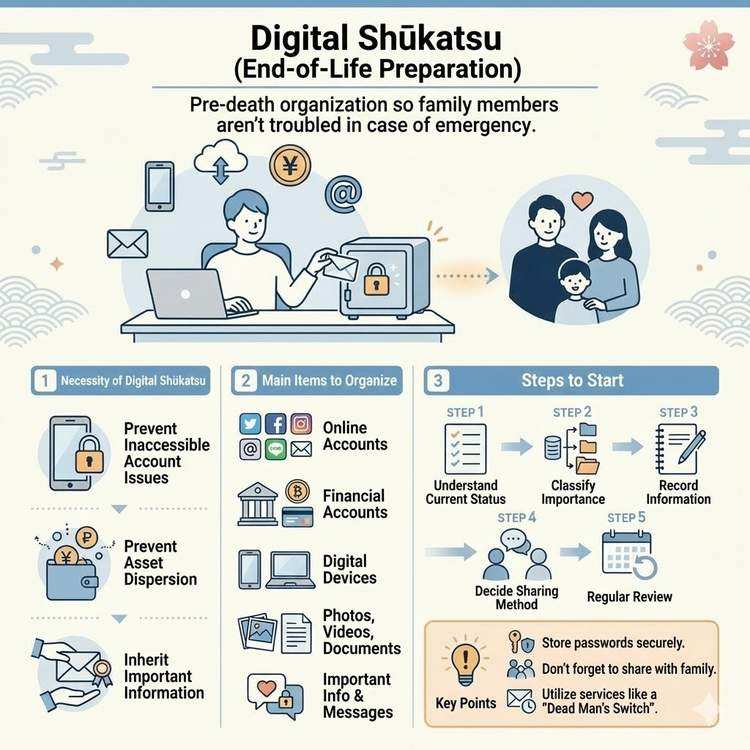
What is Digital End-of-Life Planning? A Complete Guide
Learn about digital end-of-life planning, from basic concepts to practical steps. Discover how to organize your digital legacy and manage important information for your loved ones.
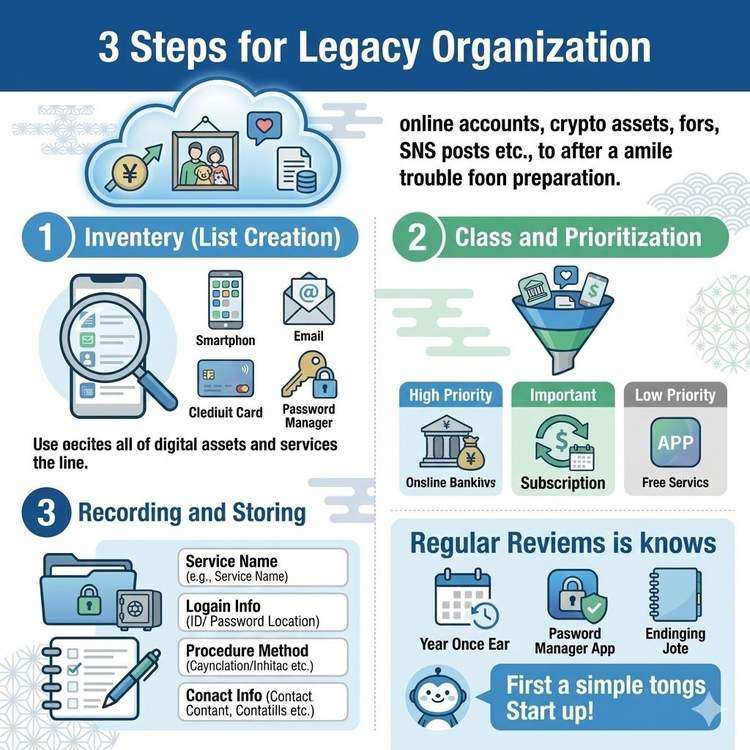
How to Organize Your Digital Legacy
Learn efficient methods for organizing your digital legacy. Discover how to manage often-overlooked digital assets including SNS accounts, cloud data, and online accounts.
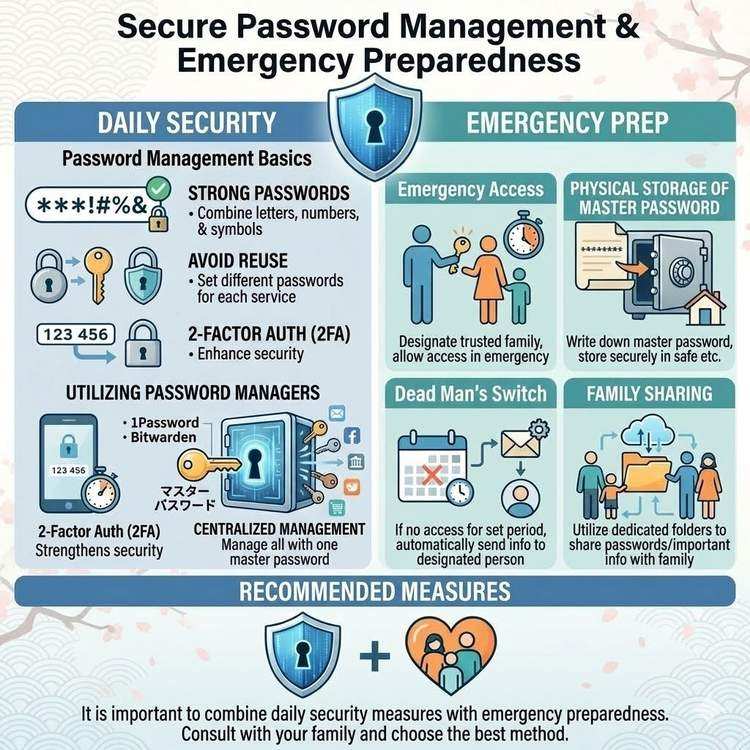
Password Management and Safe Emergency Sharing Methods
Learn how to securely manage and share passwords so your family can access critical information in an emergency. Discover practical techniques that balance security and convenience.